Getting the Most Out of GitHub Copilot
MAY 19, 2023
Tools and workflowA year of GitHub Copilot showed me it's far more than code autocomplete. The most useful ways I've found to use it, from docs to testing to translations.
GitHub Copilot is an AI developed by GitHub. Its primary function is to suggest code snippets based on the context you're working in. The power of this intelligent assistant comes from GPT-3, the machine learning model developed by OpenAI, fine-tuned specifically for code generation.
While code suggestion is its core skill, GitHub Copilot can be used in many other ways I'd like to share with you.
Effective Documentation
The first alternative use for Copilot is documentation. Whether you need to describe a class, function, or variable directly in your code, or create documentation in markdown format, Copilot can be an exceptional ally. It helps enrich your ideas and generate clearer, more instructive code examples.
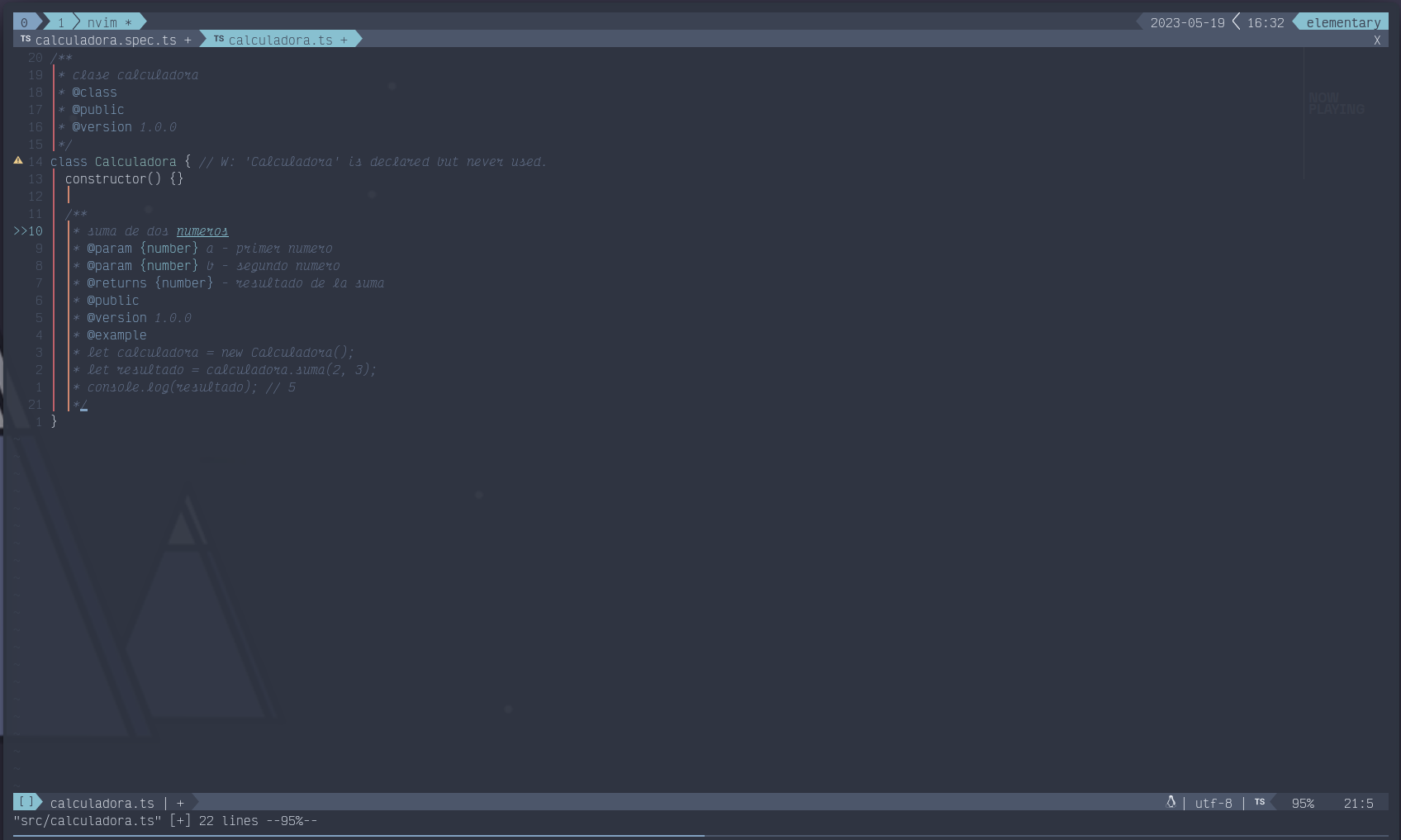
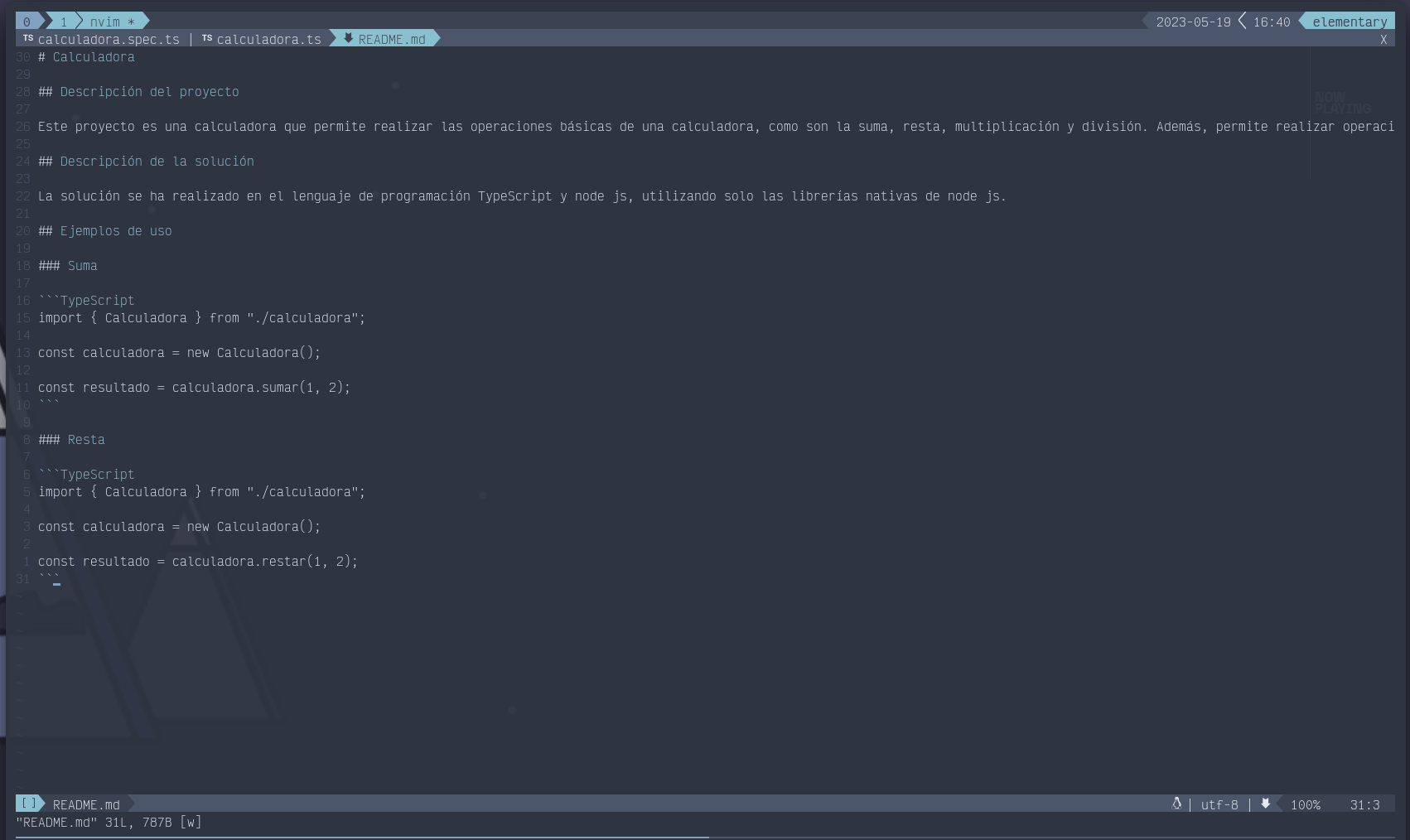
Testing Assistant
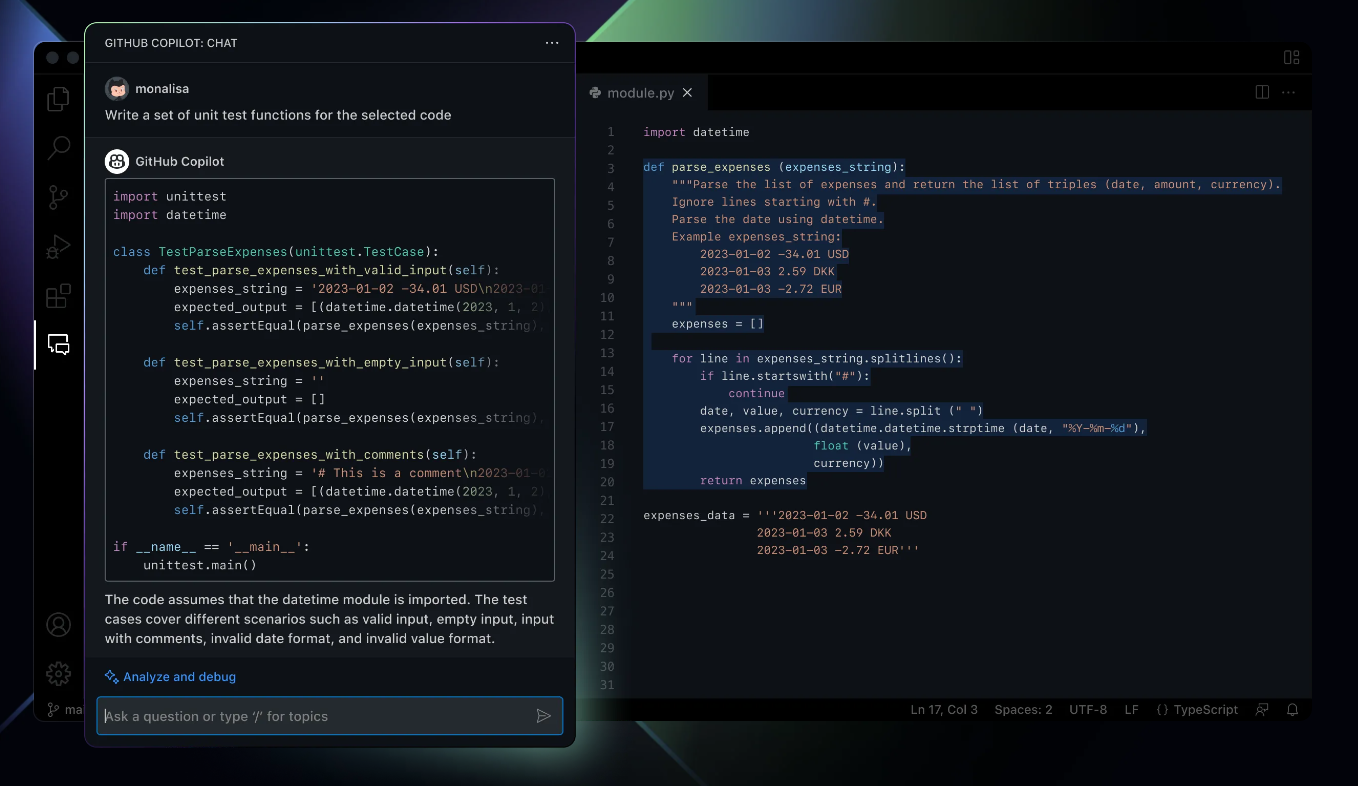
Another valuable way to use GitHub Copilot is in the testing process. When you're deep in a test-driven development (TDD) workflow, Copilot can be tremendously useful. Testing tools generally require you to describe what you want to test or what you expect from each test. With a clear and precise description, Copilot can generate the entire test for you, saving time and effort. Once the assistant has learned how to instantiate a class or how a function runs, it can generate the full test and even suggest additional tests that might be relevant.
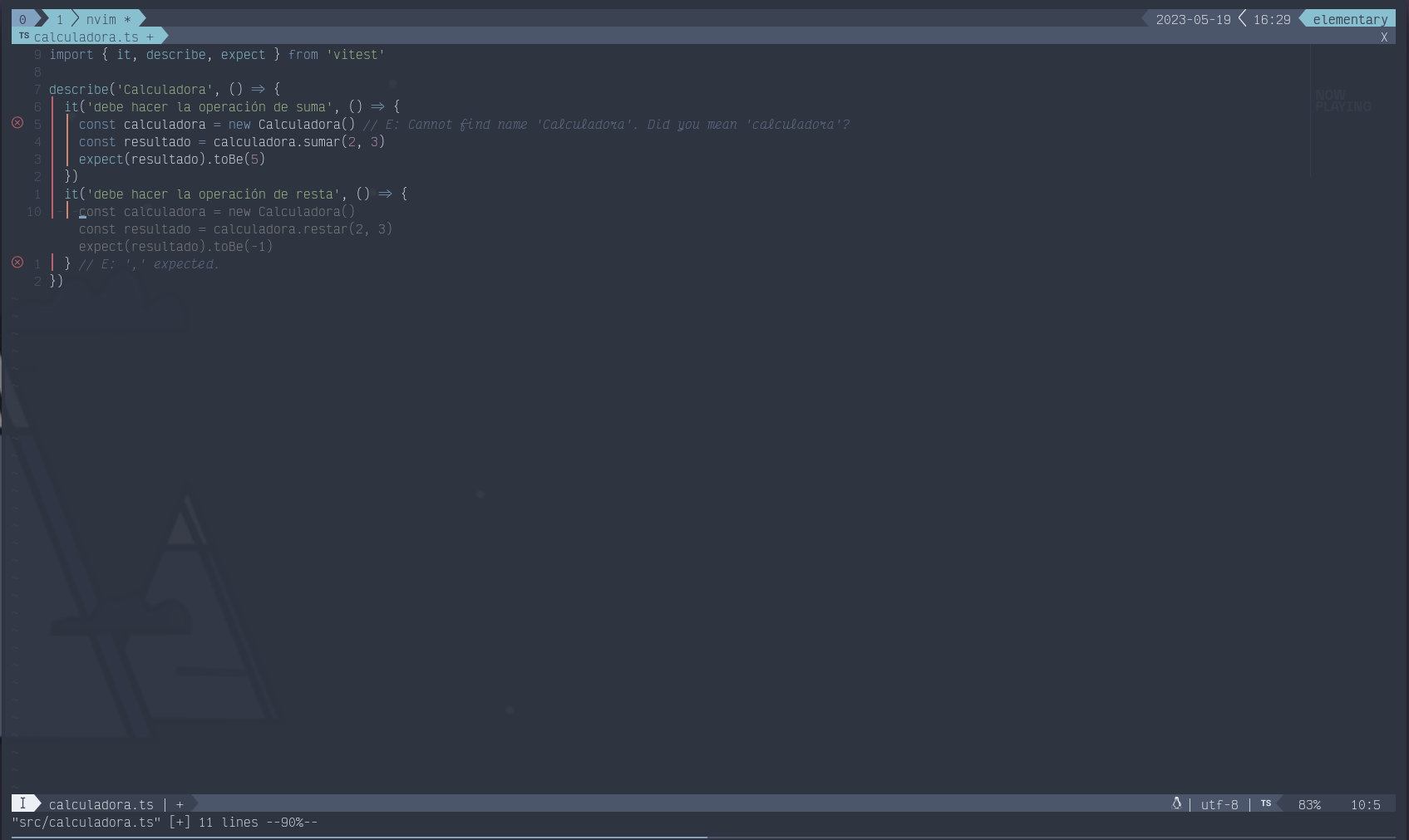
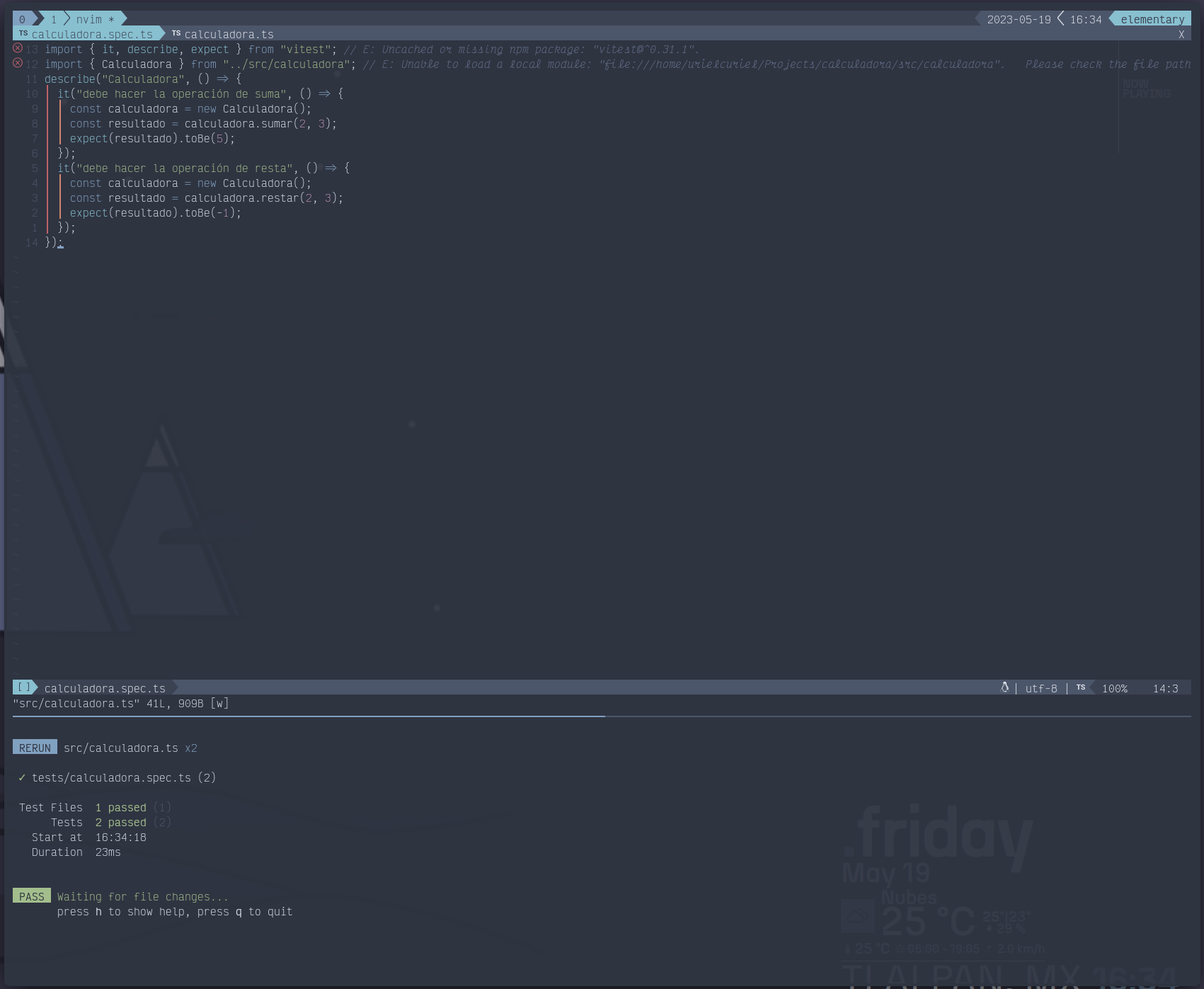
Efficient Translator
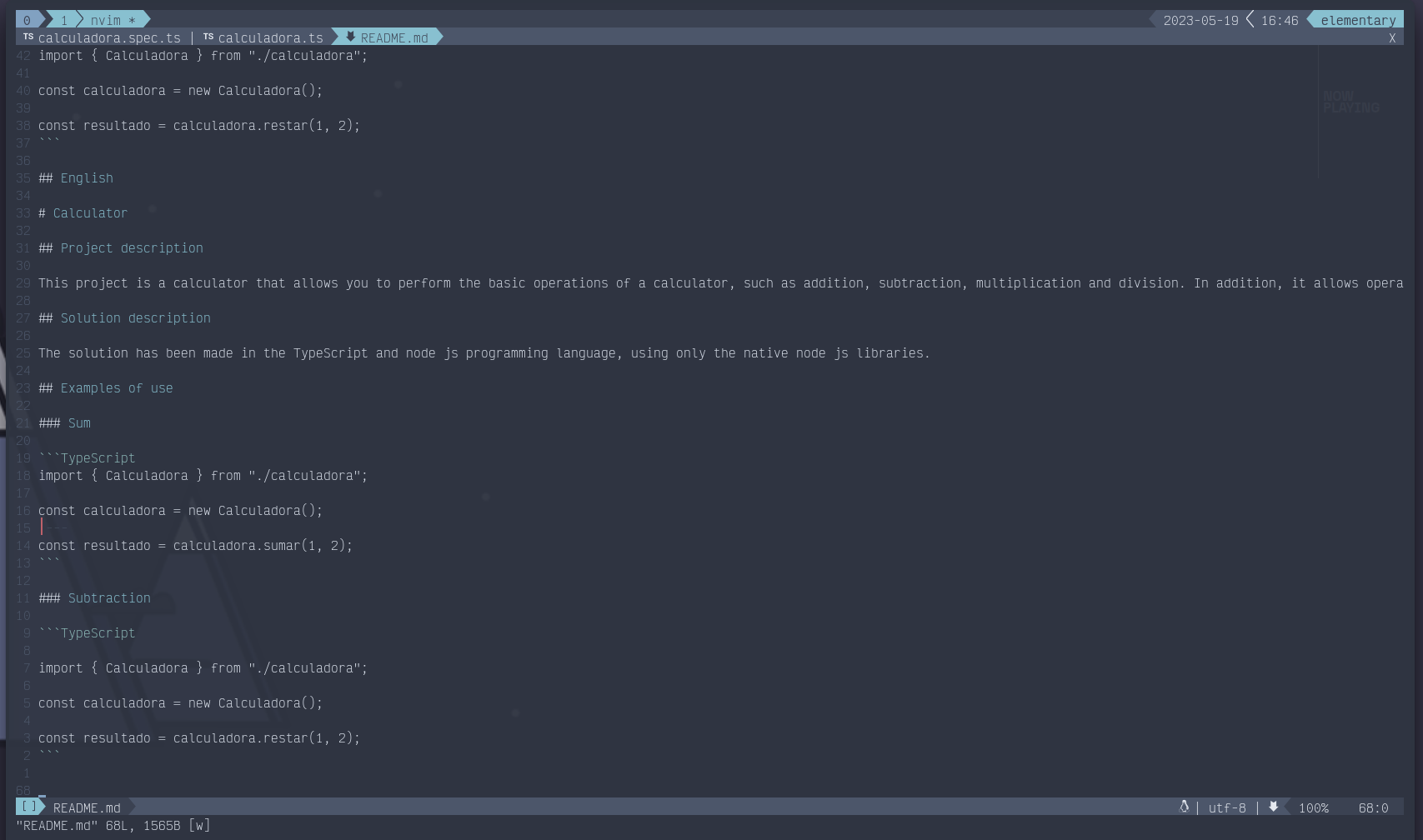
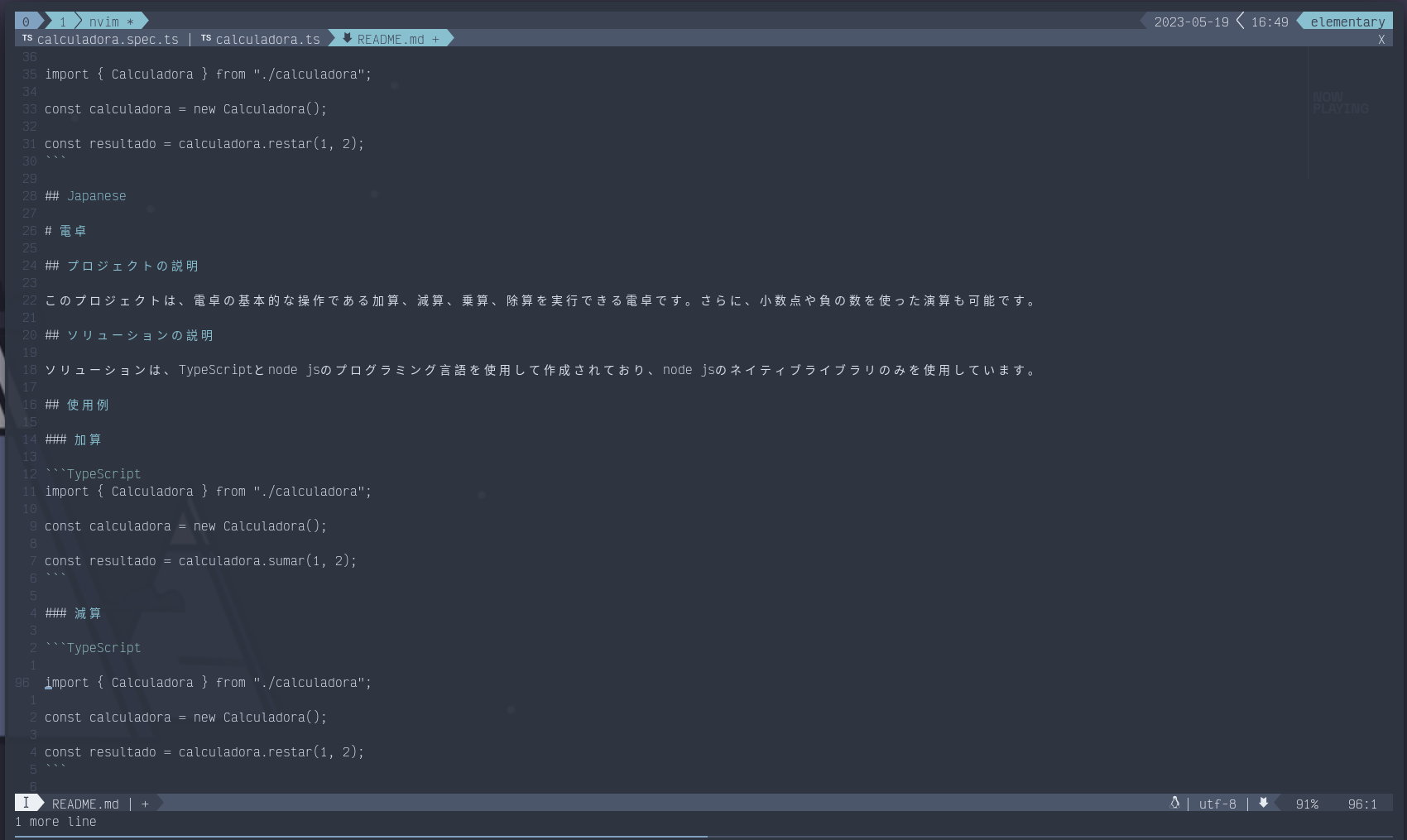
Finally, Copilot can be a very valuable tool for translating text, error messages, or documentation. This is especially useful when working on a multilingual system, application, or website. Thanks to its powerful machine learning model, GitHub Copilot can efficiently translate text into multiple languages, making it easier to build products and services for a global audience.
What's New in GitHub Copilot
GitHub Copilot is currently testing new features in beta. Among the most notable are a chat assistant that answers your questions and a version adapted for the command line.
As a chat assistant, Copilot can answer development-related questions, helping you solve problems and get quick answers without leaving your work environment.
In its CLI version, Copilot becomes a valuable tool that not only explains how a specific command works, but can also suggest the exact commands to run for your task.
These new features are still in testing and not yet part of the main product. However, you can try them and share feedback with GitHub by signing up here: GitHub Copilot Preview.
GitHub Copilot in Action
In this post we've covered the different ways to use GitHub Copilot. To give a more practical look at what this powerful assistant can do, the example screenshots used in this post are from a project I built while writing this article — with Copilot's help.
The project, a simple calculator, was created with Copilot's assistance, and you can find the code in this GitHub repository: Calculator GitHub Repo.
A fun note: the Japanese section of the README was 100% suggested by Copilot. While I'm not a native Japanese speaker, I included it to illustrate the assistant's translation ability. As with any code Copilot suggests, it's essential to review it carefully before using it. Despite its advanced technology, Copilot is not infallible — the responsibility of verifying accuracy always falls on us, the developers.
Conclusion
GitHub Copilot is more than a code assistant. Its versatility can significantly increase your productivity and efficiency. However, it's crucial to remember that, despite its usefulness, Copilot is — at the end of the day — just a copilot. While it can be a valuable ally during your programming process, you should always stay aware and critical of the code it generates. You are the lead developer and the final responsibility rests with you. Copilot can free you from writing repetitive code, but it's your judgment and skill that guide the development. Always remember: Copilot is just that, a copilot. The final direction is always in your hands.